If your marketing team logged in to Amazon Pinpoint this week, they found the console gone. AWS ended support for Pinpoint on October 30, 2026. Endpoints, segments, campaigns, journeys and analytics dashboards are no longer available.
The parts that actually send messages didn't go anywhere. The question now is where the rest of your engagement work should live.
What still works
Pinpoint's messaging channels were renamed AWS End User Messaging in 2024, and those APIs carry on: SMS, voice, push notifications, one-time passwords and phone number validation. Email sending moves to Amazon SES.
What moves where
- Endpoints and segments move to Customer Profiles in Amazon Connect.
- Campaigns become Amazon Connect outbound campaigns.
- Journeys become campaign orchestration in Amazon Connect, for multi-step, multi-channel flows.
- Templates become Amazon Connect message templates.
- Event collection goes to Amazon Kinesis.
- Transactional sends such as receipts, alerts and codes stay on End User Messaging and SES.
Gotchas to plan for
- No in-app messaging. It isn't available after the end date, so plan a replacement if your app relies on it.
- Push goes through journeys, not campaigns. Outbound campaigns don't send push natively; journeys can, through a Lambda action.
- Templates need edits. Placeholder paths change. For example, {{User.UserAttributes.PurchaseHistory}} becomes {{Attributes.Customer.Attributes.PurchaseHistory}}.
- Analytics history doesn't carry over. Rebuild the reports your team relies on in the new setup.
The real decision: does outreach belong in your contact center?
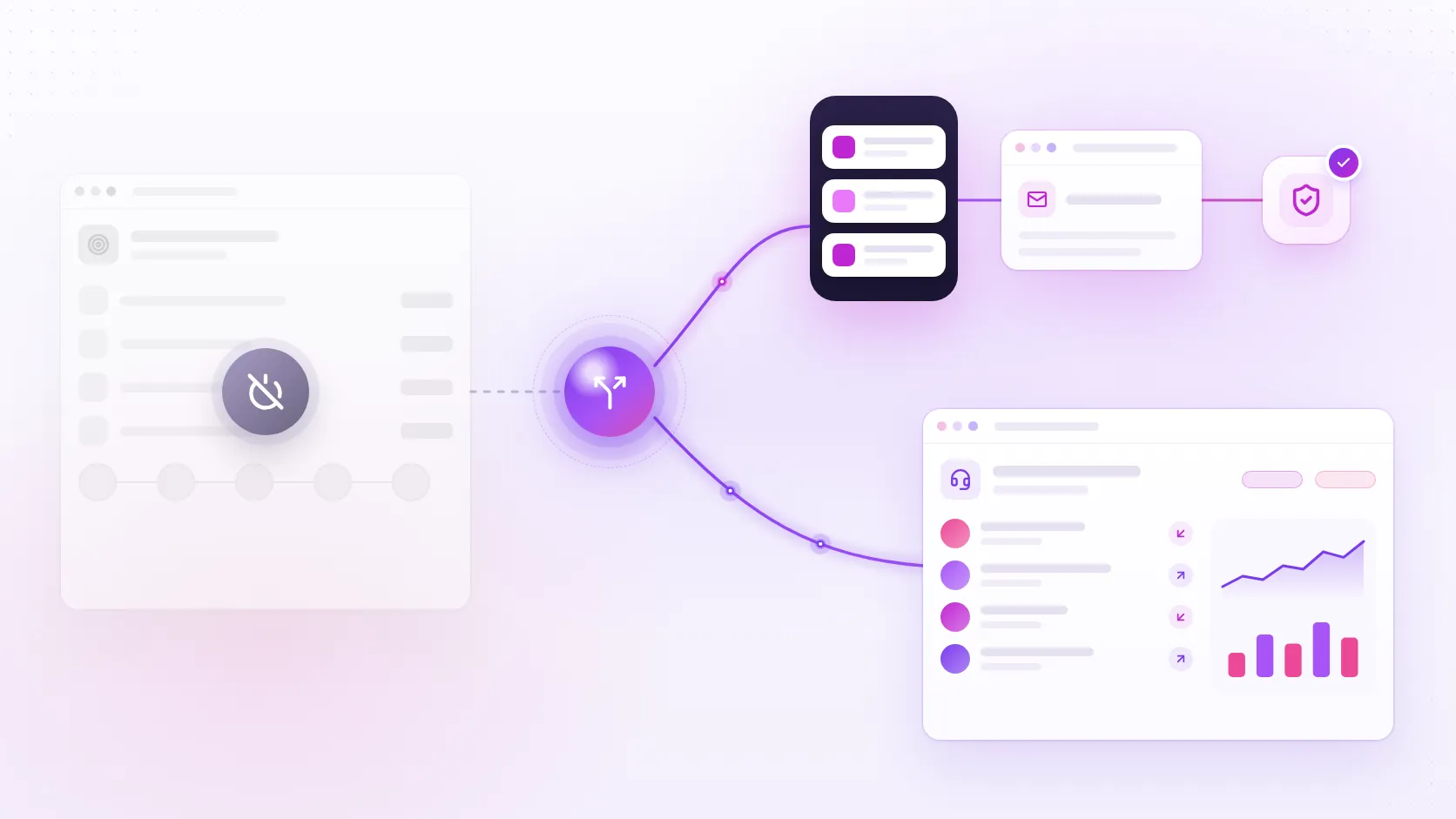
AWS's split is a hint. If your outreach is high-volume and one-way, like receipts and alerts, End User Messaging and SES are the simpler path. If it's personal, like reminders, renewals or win-back offers, the destination is Amazon Connect: the same place your inbound calls and chats already land.
That's the pattern we see in the teams we talk to. They want inbound and outbound in one place, so the agent who picks up a reply already knows which campaign it came from, and each customer's history lives in one profile.
Where to start
List what you actually used in Pinpoint: segments, campaigns, journeys, templates and push. Then sort each one into transactional or engagement. The transactional list is usually a quick move. The engagement list is where the design decisions are, and it's worth doing once, properly, in Amazon Connect.
Mid-migration, or haven't started? Talk to us, and we'll help you map what you used in Pinpoint to where it belongs in Amazon Connect.